
Check that an automation worked
After you build a workflow, check three things: that it is set up the way you meant, that a test run finished, and that the result arrived where it should. Use a test destination (a test chat or project) for the first run.
Check the setup
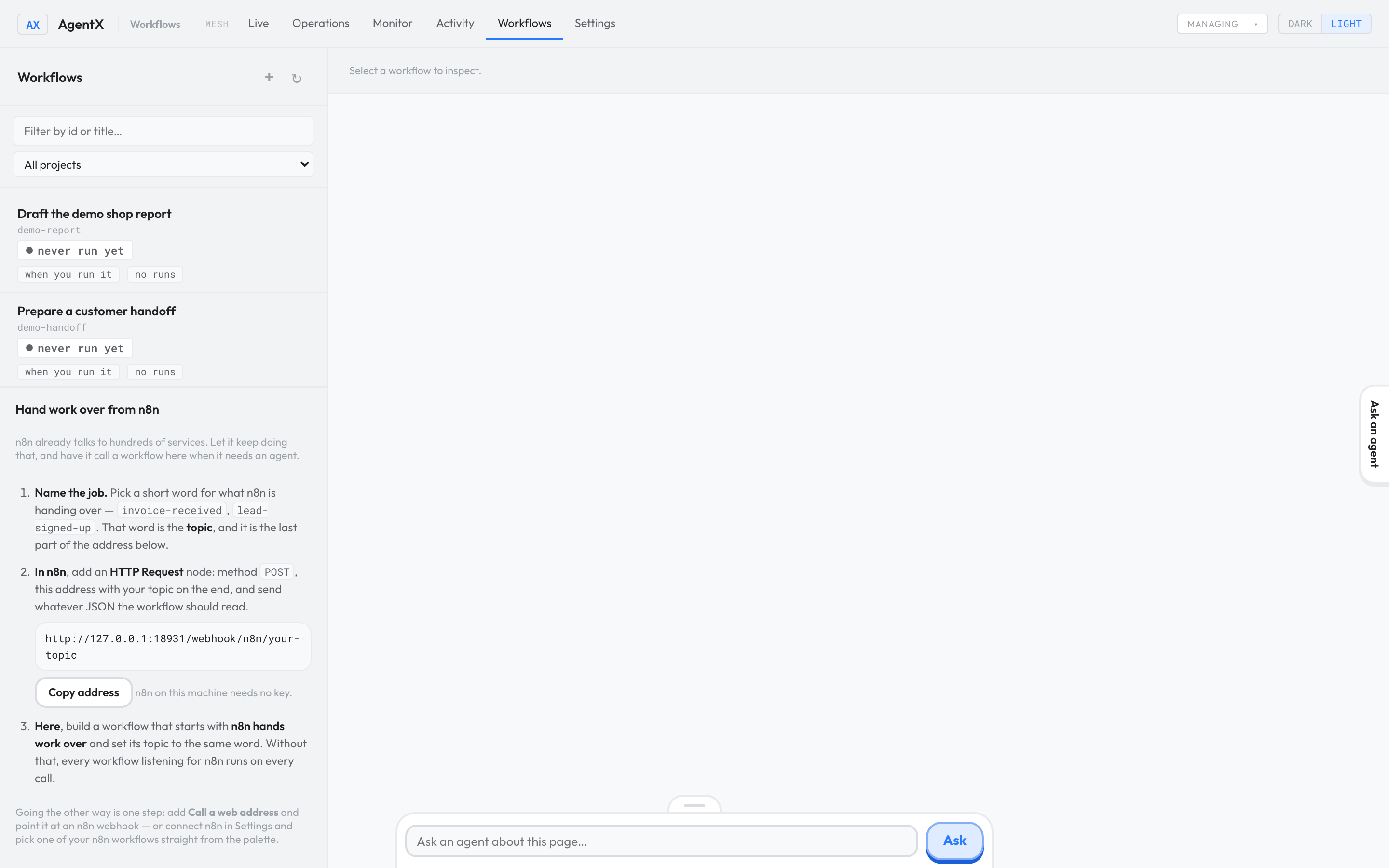
- Browser: open the dashboard and select the Workflows tab.
- Select the workflow in the list.
- Read the line under its title: it shows the workflow's ID, its version, and its trigger (what starts it, such as a schedule, a message or a GitLab event).
- Select Edit on canvas to check each step's destination and settings.
Run it once
- Browser: on the workflow's details, select ▶ Run.
- Leave Force ticked unless the workflow starts with You start it. Force pretends the trigger just happened.
- Select Run now.
- Watch the run appear in the workflow's list of runs, with its status: running, completed, failed, paused or canceled.
- Select the run to open its timeline, which shows each step as it happens.
A draft can still run
Each workflow has two separate fields, and only one of them decides whether it runs:
statedecides whether the workflow can run:active,disabled, orquarantined(held back because it clashes with another workflow).statusonly records review progress:draft,review,activeordeprecated.
So a workflow marked status: "draft" still runs if its state is active. Keep new proposals at state: "disabled" until you have checked them. The engineer reference explains both fields.
Check it worked
- The run in the workflow's list shows completed.
- Browser: open Activity and find the agent's task for that run.
- The destination (chat, issue or channel) received the expected result.
- Terminal, optional:
agentx workflow runs <workflow-id>lists the workflow's recent runs, andagentx workflow trace <run-id>shows each step of one run.
If something is wrong
- Nothing ran: check that the daemon is running (
agentx daemon status), that the workflow engine is on (see Describe what you want), and that the workflow'sstateisactive. - It never starts by itself, but Run now works: its trigger doesn't match what happens. Check the trigger's filter (for example the project or chat) on the canvas.
- The run failed: open the failed step with
agentx workflow trace <run-id>, fix the instructions or destination, and run it again. - It ran but the result is wrong or went to the wrong place: fix the step's instructions or destination on the canvas, save, and run it again.
- The run is paused: it is waiting at a step that holds until someone says go, or someone paused it. Open the run to see which step it stopped at; Resume continues a run that was paused by hand.
- No reply at all from the agent: follow It's not answering.