
Join Your project
This page is for you, the client. Someone you work with runs AI agents that do part of what you ask them for on WhatsApp, Telegram, GitLab or GitHub. They have invited you to Your project: a page that shows what you asked for and where it stands, in plain words. That person is called the owner below. The setup is theirs; you have nothing to install beyond Tailscale, and nothing to run.
The owner sends you three things: a share link from Tailscale (the program that connects your machine to theirs, privately), an address that ends in /member, and a pairing code such as 7KQ4-M2XH. The code works once, for 10 minutes, so pair soon after you get it.
Pair this machine
Your machine: install Tailscale, sign in, and accept the owner's share. Wait until the Tailscale menu says Connected.
Your browser (Edge or Chrome): open the address the owner sent.
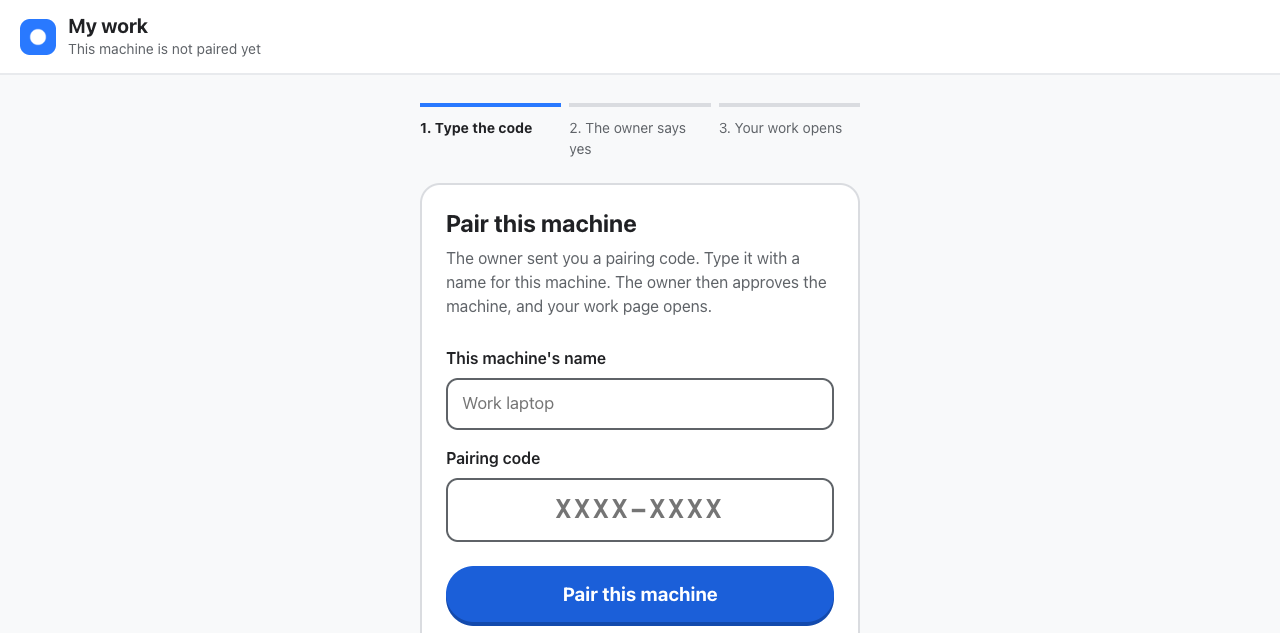
Your browser: type a name for this machine, such as "Work laptop", and the pairing code, then press Pair this machine.
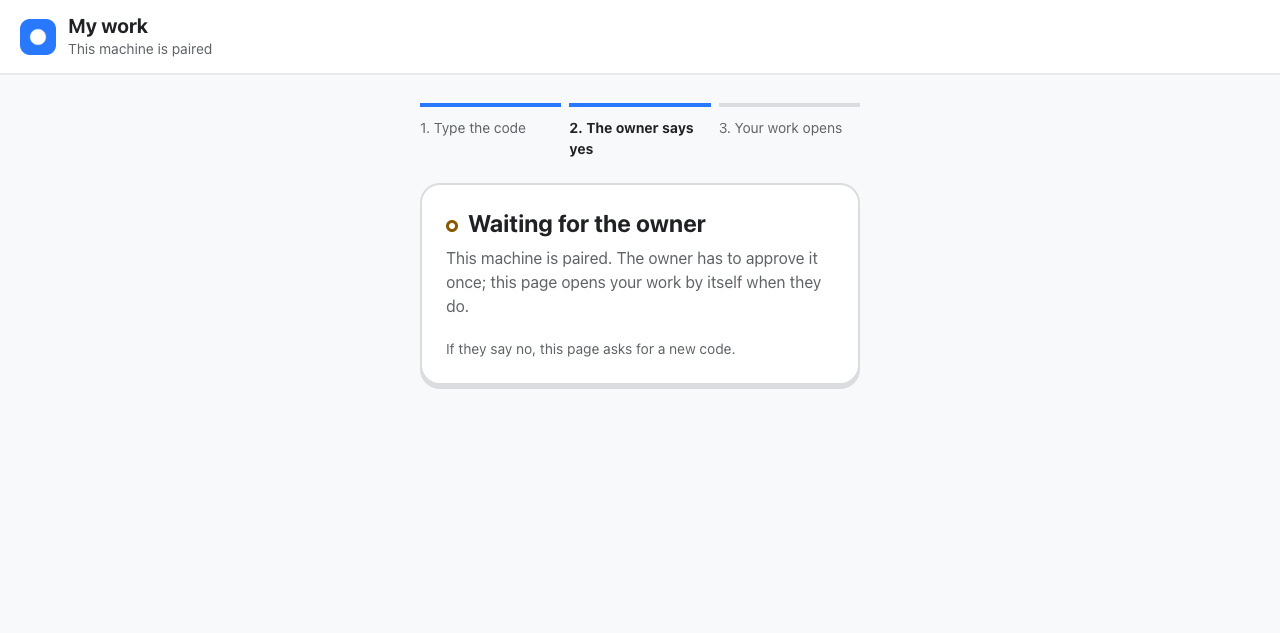
Your browser: the page says Waiting for the owner. Leave it open and tell the owner you have paired. It moves on by itself when they say yes.
What Your project shows
- One sentence at the top: how many of your requests are being worked on, how many wait on the owner's side, and how many need a look from them. Nothing of the owner's or of anyone else's work appears, and no agent is named.
- What you asked for in the last 7 days: each request, where you asked it, and its state in plain words: Being worked on, Waiting on us, Needs a look from us, Finished, Stopped, Not taken on or Set aside. A finished one links to what was delivered. "Us" means the owner and their agents together.
- About this page, at the bottom: what the page shows and whom to ask when something looks wrong.
To keep it on your desktop, open the browser menu, then Apps, then Install this site as an app. It opens in its own window named Your project. Your machine stays paired for 90 days; after that, ask the owner for a new code.
Check it worked
- Your browser: the title bar reads Your project, with your name and this machine's name under it.
- Your channel: ask the owner for something small where you usually write to them. Within a minute it is listed under What you asked for.
If something is wrong
- The address does not open ("site can't be reached"): Tailscale is not connected yet, or the share is not accepted. Wait for Connected in the Tailscale menu, then close the browser and try the address again.
- "That code didn't work": the code was mistyped, is older than 10 minutes, or was already used. Ask the owner for a new one. After "Too many attempts", wait the minutes shown first.
- "The private network says someone else is connecting": you are signed in to Tailscale with a login other than the one the owner has for you. Tell the owner which login you use, and ask for a new code.
- "Waiting for the owner" does not end: the owner has not answered yet. Tell them you paired. If they say no, or nobody answers for three days, the page asks for a code again: ask the owner for a new one.
- The page is called My work, not Your project: the owner has you listed as a teammate rather than a client. Tell them; the page changes the next time you open it.
- The page says "Nothing asked for yet" although you asked: the owner's side is not set up for you yet. Tell them.