
The things that run without you
AgentX can do work without anyone asking for it:
- A schedule starts an agent at a set time, such as every morning at 9. See Send a daily report or Schedules from chat.
- A workflow ties several steps together: something starts it (a message, a GitLab event, a time of day, or you), one or more agents do the work, and the result goes somewhere. Workflows can include steps that must survive a restart, such as waiting for a person to approve.
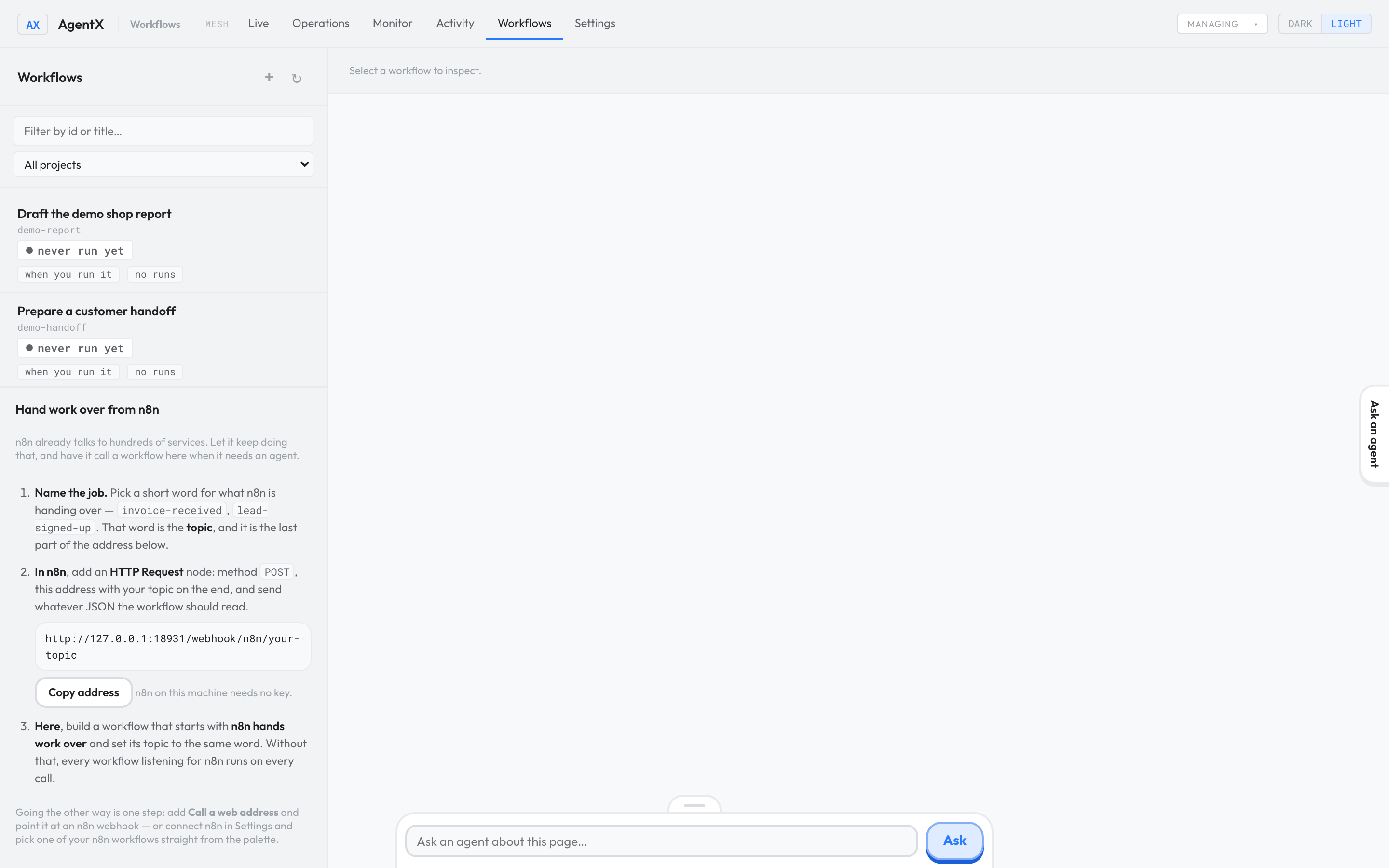
Build your first one
- Pick one small job with an output you can see, such as a daily summary sent to a test chat.
- Describe it in plain English and let AgentX draft the workflow.
- Run it once and check that it worked.
- Add more steps only once that works.
Check it worked
- Browser: the Workflows tab lists your workflow.
- After a run, the workflow's card no longer says never run yet.
If something is wrong
- Nothing runs and
agentx daemon logssaysWorkflows: disabled: the workflow engine is off. Describe what you want shows how to switch it on. - It never runs by itself: check its trigger and its
state, as described in Check that it worked.